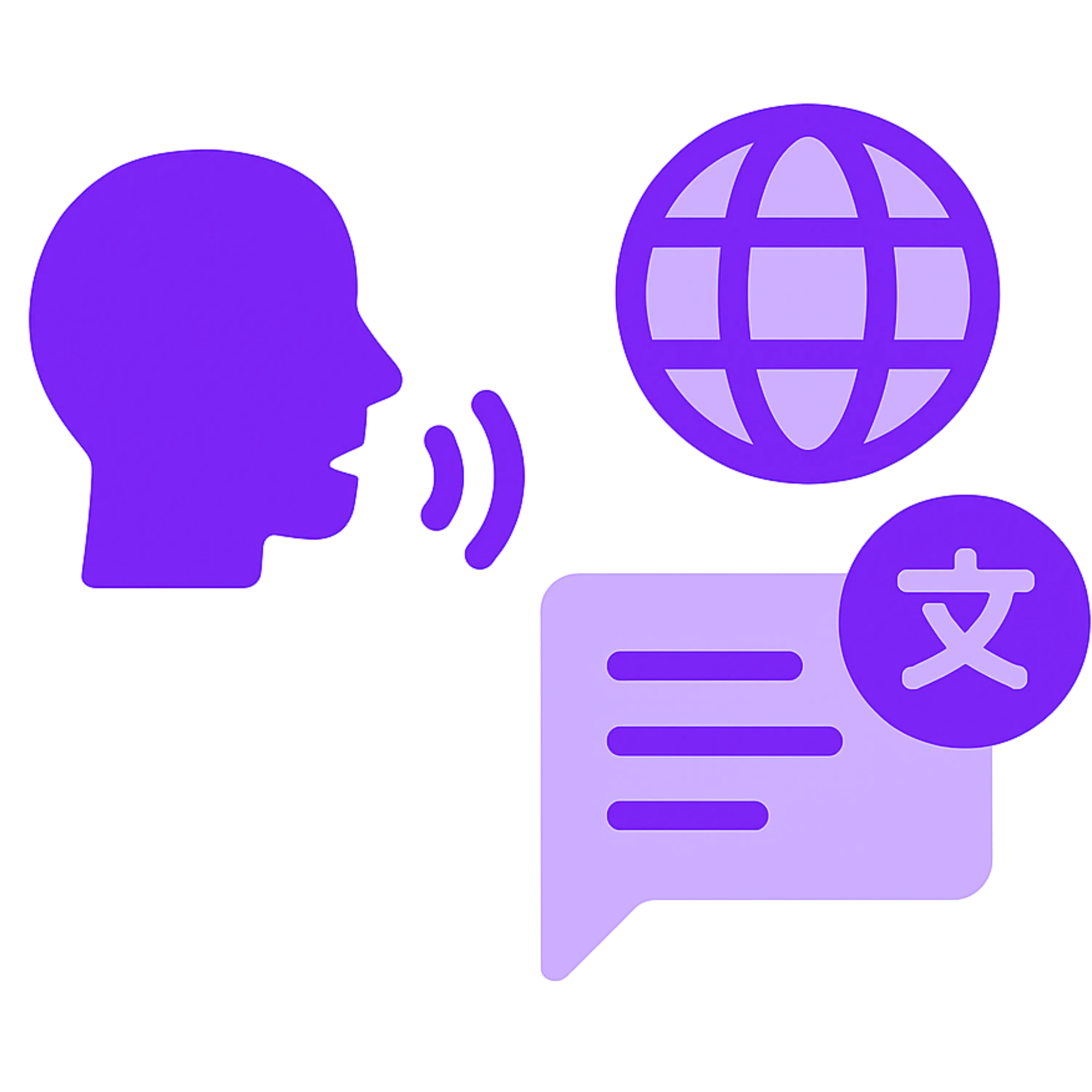
Mote Translator translates a live lesson in real time, so multilingual students follow along in their own language, from any device.




















Follow lessons in native languages, live, as the teacher speaks.
Read the translation, or listen to it read aloud.
Open and stream on any device, with no app to install.
Teach as you normally would, in one language.
Click play on one device and translate to every student's device.
Save the transcript and translations afterwards to reshare with students.
Mote Translator is Mote's live translation tool for multilingual classrooms. A teacher starts a stream from any device with a browser and a microphone and shares a link with their students. As they speak, their words are transcribed and translated in real time, and students follow along in their own language. Students can read the translation or have it read aloud, and when the stream ends the full transcript and every translation stay available as a record. Live, spoken instruction leaves multilingual learners behind in a way written material does not. Mote Translator removes that barrier as the lesson happens.
Runs at translator.mote.com with nothing to install on either side.
You can record from any device, including your phone. Allowing you to teach without any restrictions.
Works on the school devices students are already signed in to.
Built for a teacher speaking live in front of a class.
Start a stream, share the link, and teach.
01
Open Mote Translator
02
Set your languages
03
Share the link
04
Teach as normal
05
Save the transcript
Go to translator.mote.com on any device with a browser and a microphone.
Choose the language you will speak, then pick the languages your students need. Add as many as the class requires.
Start the stream and share the link or QR code with the class. Students open it and choose their own language.
Teach as you normally would. Your words are transcribed and translated as you go, and each student sees the lesson in the language they picked. They can read it or have it read aloud.
When the stream ends, the full transcript and every translation remain, so students can go back over the lesson later.


No. Share a link or a QR code and students open it in a browser on whatever device they have.
Yes. A single stream is translated into several languages at once, and each student chooses the one they need.
Yes. Students can follow the text on its own, or have the translation read aloud.
The full transcript and every translation stay available, so students can go back over what was said.