


A complete assistive technology platform for students with learning disabilities, reading and writing challenges, and multilingual learning goals, in one Chrome extension that works across Google Workspace and the web.
No card required
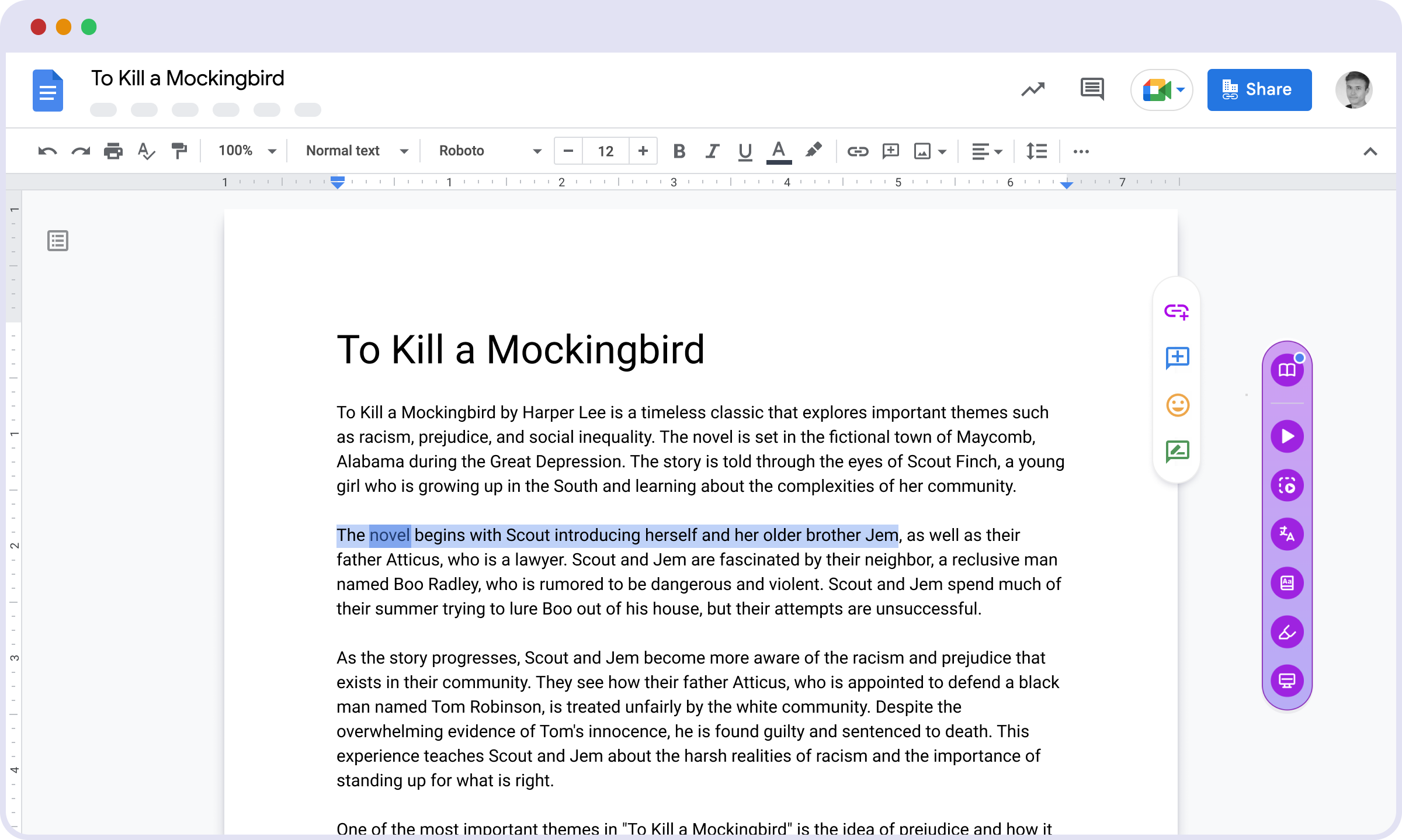
The Mote Sidebar goes with students wherever they work, with tools for reading, writing, and creating.
Read Aloud speaks any page, doc, or PDF in natural voices. Screen Mask and the Dictionary keep readers focused, so a struggling reader accesses the same grade-level text as everyone else.
Learn more: the science of reading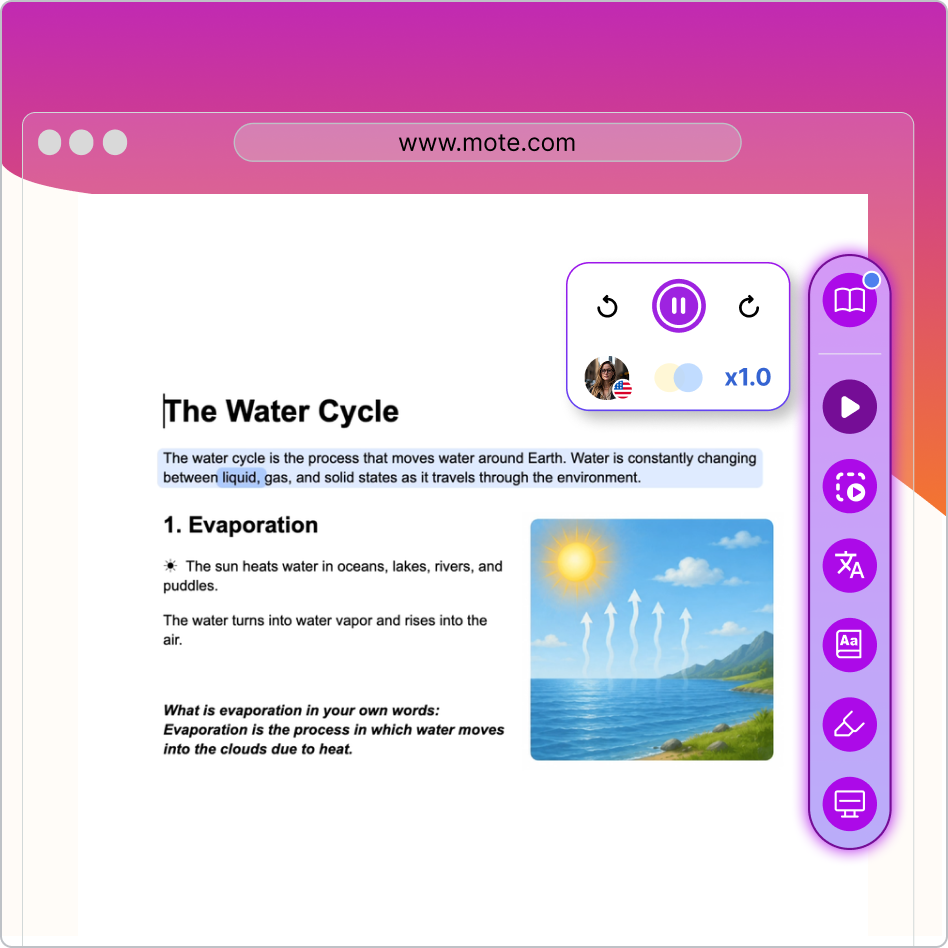
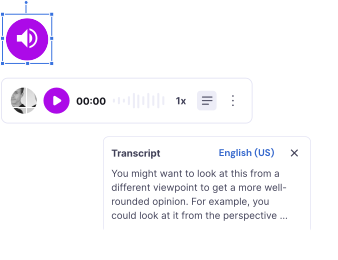
Speech to Text turns talking into clean, edit-ready text. Text Prediction suggests the next word, and Writing Review helps students improve their writing by teaching them the rules of grammar and the skills of a proficient writer.
Students can record and translate their voice, or translate text and speech into their home language. For ELLs (English Language Learners), that means joining the lesson, not waiting for a translation.
Learn more: supporting English Language Learners
The same Mote tools on any PDF. Read aloud, dictate, translate, and annotate PDFs that used to be a dead end.
Vocabulary and study activities that turn reading into retention.
Browse the full breadth of Mote's reassuringly robust platform
Mote aligns well with most schools' and districts' teaching and technology strategies.
"Mote saves teachers time and allows them to accommodate learning and differentiate for kids. My favourite thing about Mote is the personalization it provides for kids."
Brittany Horn, Instructional Technologist, Northwest ISD
No card required
